👋 Introduction: Project 09 🎬 CSS Motion Lab One Keyframe at a Time
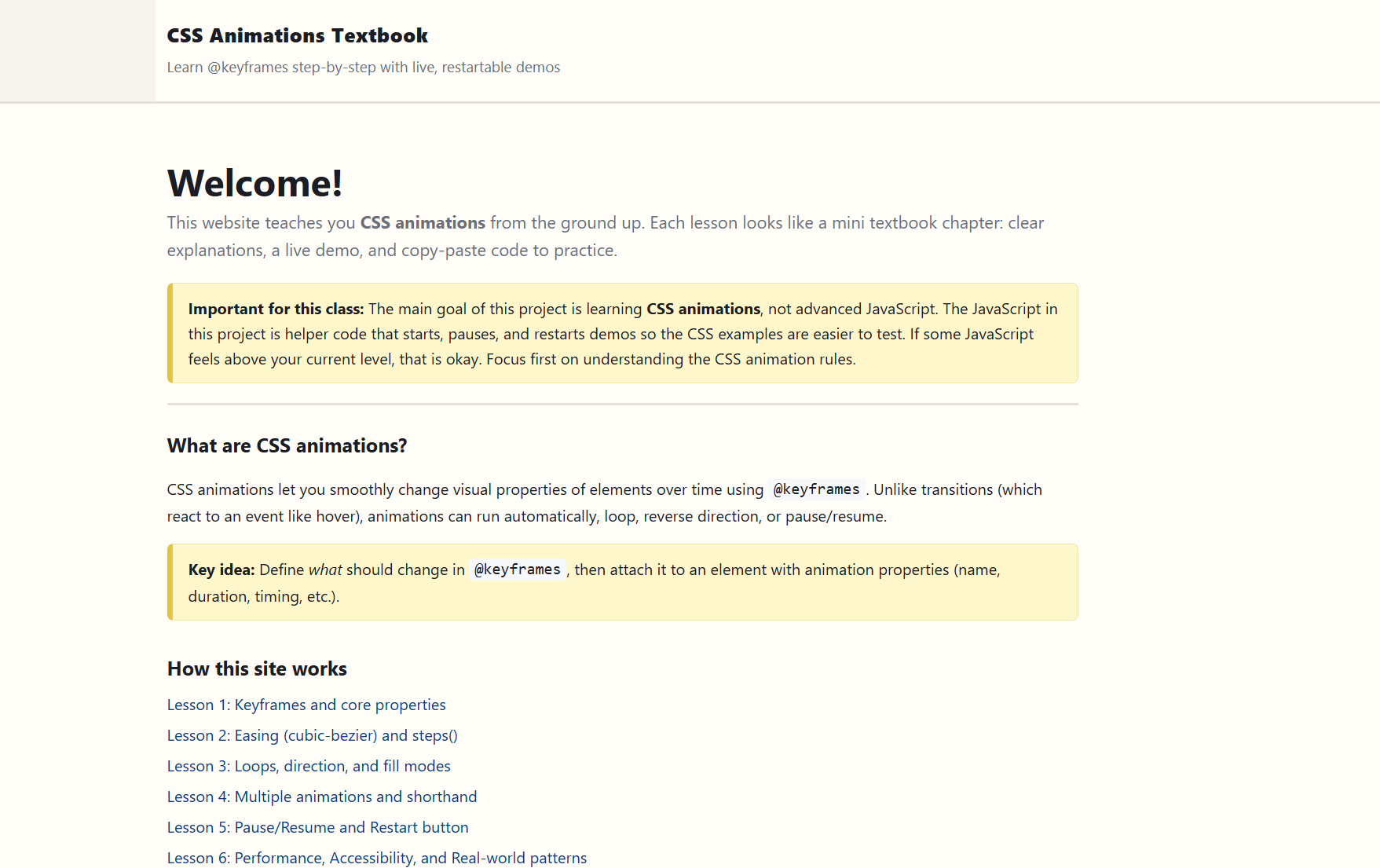
Welcome to your CSS Motion Lab project. In this build, you will create a multi-page animation textbook experience step by step. Each section adds one layer of skill, so by the end you can design, test, and explain purposeful CSS animations in a realistic interface.
What Is This Project About?
This project is about learning how CSS animation works in real code, not just in isolated examples. You will build pages that teach and demonstrate motion concepts, then combine those concepts into a final real-world pattern page.
The code you will write includes:
- HTML page structure for a multipage lesson site (
index.html+ lesson pages). - CSS foundations for reusable layout, demo areas, and shared visual style.
- CSS animation systems using
@keyframes, shorthand animation values, timing functions, iteration, direction, fill modes, and multi-animation layering. - Minimal JavaScript helper controls for restart/pause behavior so you can replay and test CSS animations more easily.
Professional Notice: Content topics and examples in this assignment were selected based on student interest and instructional design needs. The teacher, Cyprus High, and Granite School District are not endorsing or promoting any specific topic, product, or viewpoint through this project.
What You’ll Learn (HTML, CSS & JavaScript Topics)
HTML Topics
- Building a clean, semantic multipage structure with
header,main,section, headings, lists, and navigation links. - Using reusable class patterns for lesson layout and demo areas.
- Wiring animation demo controls with
data-*attributes in a consistent structure. - Creating realistic UI markup in the final section (hero area, cards, toast/status feedback).
CSS Topics
- Building shared styling systems (variables, layout wrappers, reusable components).
- Defining animation timelines with
@keyframes. - Applying animation with shorthand values and understanding each part.
- Comparing timing functions (
ease-in-out,linear,steps()) to shape motion feel. - Controlling behavior with
animation-iteration-count,animation-direction, andanimation-fill-mode. - Running multiple animations on one element with comma-separated animation declarations.
- Controlling playback through CSS concepts like
animation-play-state. - Sequencing and staggering animations for real interface communication.
- Using performance-friendly motion properties (
transform,opacity) and reduced-motion accessibility support.
JavaScript Topics (Helper Only)
- Using shared button actions to restart/pause demos during testing.
- Reading and using
data-actionanddata-anim-targetpatterns. - Understanding that JavaScript in this project is support tooling, not the main learning objective.
Learning Objectives
By the end of this project, students should be able to:
- Build valid multipage HTML structures for animation-focused content.
- Create and apply CSS
@keyframesanimations with confidence. - Choose animation timing and behavior settings intentionally to match communication goals.
- Layer and sequence animations to guide user attention in a clear, readable way.
- Explain how accessibility and performance influence animation decisions.
- Use helper controls to test and replay motion while keeping core animation logic in CSS.
- Produce a complete final project that demonstrates purposeful, polished CSS animation patterns.
Ready, Set, Code!_
You are ready to build this project one section at a time. Focus on understanding the motion choices you make, not just copying syntax. Keep testing as you go, replay your demos often, and use each section to sharpen one specific animation skill before moving on.
Start with Section 01, build carefully, and let your final section show how all your CSS animation decisions work together in a complete experience.